Abstract backgrounds and animations
Abstraction is what you licence when the message is coming from somewhere else in the frame. A gradient or a particle field has no subject to date, no place to contradict the copy and nothing to clear, which is why it ends up under headlines, between cuts and behind title sequences more often than any photographed material. The moment a background does need to say something specific — a material, a weather, an atmosphere with a name — smoke and fog or geometric shapes and patterns will serve the brief better than anything here.
Three jobs that look alike on a thumbnail
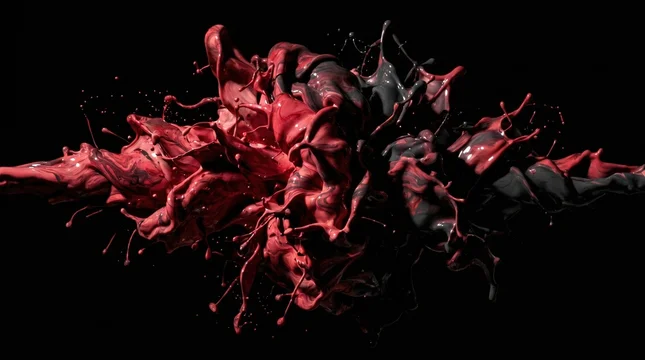
A plate sits under type for as long as the type is on screen. It needs one region quiet enough to read against, holding the same tonal range in the same position throughout — a slow fluid that drifts a bright highlight through the lower third is unusable even though it looks calm.
A transition is seen for well under a second, so only the extremes matter: how fast it covers frame and how cleanly it clears. A beautiful file often has three usable frames in it.
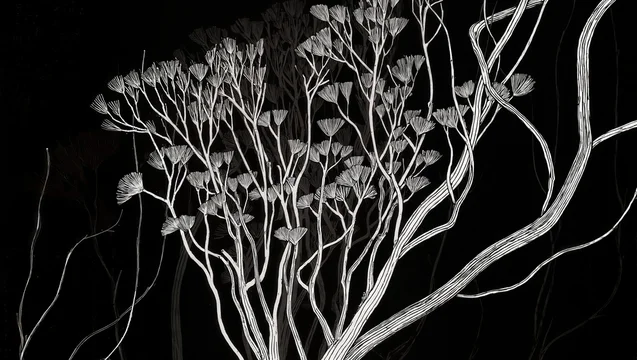
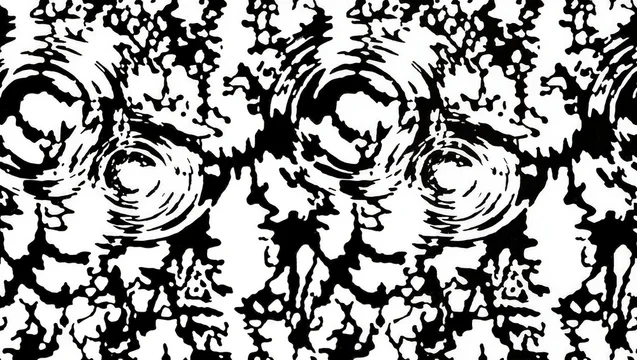
A bed runs behind a title sequence, on a stand screen or in a lobby, sometimes for hours. It is the one job where seamlessness is a requirement, not a convenience.
Whether the loop is actually a loop
A true loop ends on the state it opened in, so the join is invisible wherever you cut. The common substitute is a crossfade buried in the middle of the file: the clip dissolves into its own earlier frames, hiding the problem at the cost of a stretch where everything on screen is briefly doubled. You can find it without opening a timeline. Scrub slowly through the middle third and watch particle density and edge contrast — a crossfade reads as a short softening, a ghost of a second element, and a dip in contrast that recovers on its own. Then park on the first and last frames and compare them directly.
Length is the other half. Repetition becomes visible as soon as the eye has something to track: a loop built on one bright element crossing frame announces its cycle however long the file is, while an evenly dense field runs far longer before anyone notices.
What the destination imposes
Web backgrounds run silent: Chrome allows muted autoplay unconditionally and gates autoplay with sound behind prior engagement, so audio in the file is dead weight. Motion that starts on its own, lasts more than five seconds and sits alongside other content needs a way to pause, stop or hide it under WCAG 2.2. Anything strobing is a harder limit: pages must not contain content flashing more than three times in any one second unless it stays below the flash thresholds. And a video element is an eligible Largest Contentful Paint candidate, where good is 2.5 seconds or less at the 75th percentile — a hero loop is often the thing being measured.
Before you licence
- Decide which of the three jobs it is, and judge the file only on that.
- For a plate, pick the copy region first and confirm nothing bright crosses it.
- Scrub the middle third for the softening that gives a crossfade away.
- Compare first and last frames before trusting the word "loopable".
- Check the flash rate on anything strobing or glitching.
- Match frame rate to the timeline it is going into.
When the background needs physical atmosphere instead of pure motion, start from smoke and fog.





 00:05




 00:10
 00:08
 00:08

 00:08
 00:08
 00:05

 00:10
 00:08


 00:10





 00:08
 00:08







 00:10
 00:08
 00:10








 00:08
 00:05
 00:08
 00:05
 00:10
 00:08



 00:08

 00:08
 00:05


 00:10
 00:10










 00:08
 00:07


Read more
Journal
Need a shot that isn't here? Write to me.
Get in touchMore collections
See all 1,185
Textures and surfaces
Marble, stone, plaster, fabric and metal surfaces for backgrounds, overlays and product scenes.
 721
Food and drink
Coffee, tea, desserts and table scenes for food and hospitality.
 671
Botanical and plants
Leaves, foliage and houseplants for packaging, wellness and natural-product design.